An AI video editing prompt names the footage to change, the result you want, and what should stay intact. A video generation prompt describes a new shot: its subject, action, setting, camera, and style. ChatCut supports both workflows in one editing project.
Start with the six editing templates below when you already have footage. Use the 80 generation examples when you need a new clip or supporting B-roll. Adapt each brief to your project, review the result, and revise the part that needs attention.
Key Takeaways
-
For an edit, specify the source, target duration or format, requested changes, and details to preserve. For a new shot, use subject, action, setting, camera, and style as a checklist.
-
In ChatCut, use Agent for timeline edits and Video Gen for new clips. An image model creates stills; choose a supported video model to animate an image.
-
B-roll prompts can be short (4–6 seconds), with single-subject and without narrative context, one environmental detail, texture, or action
-
Set the correct aspect ratios: 9:16 for TikTok and Reels, 16:9 for YouTube, 1:1 for feed posts
-
Review the selected words, framing, captions, and final export. A detailed prompt gives direction; it does not guarantee a finished result.
Six AI Video Editing Prompts for Existing Footage
Open the AI video editor, import your recording into My Assets, and choose Agent. Add real project references through the Prompt composer. Replace bracketed descriptions in these templates with your footage and requirements.
1. Tighten a talking-head recording
Use [the selected talking-head recording] to make a clean first cut. Remove repeated false starts and pauses longer than two seconds, but keep complete sentences, meaningful pauses, and the speaker’s qualifications. Keep the original order and 16:9 framing. Leave the clips editable on the timeline.
Review: Listen around each cut. Restore breaths or pauses that carry meaning, and check that removed words have not changed the speaker’s point.
2. Find Shorts in a longer conversation
Find three self-contained moments in [this interview] for separate 9:16 Shorts, each around 30 to 45 seconds. Keep enough context to understand each answer, preserve the speaker’s meaning, and include a clear ending. Add captions and keep each version on an editable timeline.
Review: Compare each selection with the surrounding conversation. Check the crop when the speaker moves or another person enters the frame. Our recorded podcast-to-Shorts example includes its source, prompt, output details, and limitations.
3. Correct captions without changing the cut
Add captions to [the active speech track]. Use a readable style with short lines that stay clear of the speaker’s face. Check the spelling of [names and product terms]. Keep the spoken audio and video cuts unchanged, and let me review the caption style before applying it.
Review: Check wording, timing, line breaks, and placement. Caption text and source edits have different effects: deleting words in Transcript cuts their time range from the selected track. See Transcript and Captions.
4. Make a vertical version of an existing edit
Make a separate 9:16 version of [this 16:9 timeline]. Keep the current cut and audio timing. Frame the active speaker and keep essential screen text visible. Preserve the widescreen version, and flag shots where a vertical crop would lose important information.
Review: Play every shot in the new format, especially screen recordings and two-person scenes. Use the timeline controls to inspect and adjust the version you intend to export.
5. Add generated B-roll to recorded footage
Propose two short B-roll shots for [this passage about preparing coffee]. Keep the narration and main edit intact. Describe the shots and where they would appear, then ask me to approve generation before creating footage. Put approved clips on a separate video track so I can adjust them.
Review: Check whether each shot supports the words and whether viewers could mistake generated imagery for a recording of a real event. Video generation requires Pro and uses credits; review the estimate before sending a generation request.
6. Revise one part of the first draft
Revise only [the opening ten seconds of this draft]. Start with the complete sentence beginning [exact words from the transcript], remove the repeated setup before it, and keep the explanation that follows. Leave the rest of the timeline, music, captions, and framing unchanged.
Review: Compare the revised opening with the source, then check the boundary with the unchanged section. Make the next request about a specific passage, clip, or time range.
For a visible revision workflow, watch our June 21, 2026 editable-shorts recording. It shows the conversation, transcript, previews, and timelines during caption changes. It is a dated product demonstration, not a processing-time benchmark.
How to Write AI Video Prompts
For AI video generation, use five elements to describe the shot you want. The model, references, settings, and source material also affect the result.
1. Subject
Who or what is in the frame. The more specific the description, the less the model defaults to a generic, stock-image version of your idea.
-
Weak prompt: “a woman wearing a blazer”
-
Strong prompt: “a woman in her late 30s wearing a cream linen blazer, light brown hair loosely pulled back”
Include age range, clothing, features, and relevant props. For product videos, include material, color, physical detail, and scale relative to the frame.
2. Action
What is happening in the clip. Mention the movement, behavior, or physical state explicitly.
-
Weak prompt: A woman making coffee in the kitchen.
-
Strong prompt: She slowly pours freshly brewed coffee from a French press into a matte ceramic mug, pauses to inhale the aroma as steam rises, then places the mug on a wooden countertop.
If the clip is meant to be static, say so: “standing still, looking just off-camera.” Leaving action vague produces unpredictable motion.
3. Setting
Where and when the scene takes place. Add location, time of day, weather, and environment.
-
Weak prompt: “a modern-style kitchen during the day”
-
Strong prompt: “a minimalist Scandinavian kitchen, morning light through sheer linen curtains, clean white countertops, no clutter”
Specify the environment, lighting, and color palette you want to preserve, then check those details across generated shots.
4. Camera
Describe both the shot type and the camera movement you want.
Include both a shot type and a camera movement instruction:
-
“slow dolly-in from the doorway”
-
“overhead static shot”
-
“handheld follow, slightly shaky”
-
“tight close-up, no movement”
State whether the camera should stay still, track a subject, or move through the scene. Review the generated motion rather than assuming the model will follow every direction.
5. Style
Visual aesthetic, video style, color grade, and mood.
-
“cinematic 35mm film grain, warm and slightly overexposed”
-
“clean commercial look, neutral tones, sharp focus”
-
“muted earth tones, soft shadows, editorial feel”
Style is what separates clips that look finished from clips that look like test renders.
80 AI Video Generation Prompts by Content Type
These 80 examples describe new footage across eleven categories. Adjust the subject, setting, camera, and duration to match your project and the selected model’s supported settings.
Social Media Content Prompts
Social media videos perform best when they feel authentic, visually engaging, and optimized for short-form platforms like TikTok, Instagram Reels, and YouTube Shorts. Use these video generation prompts as a starting point to create platform-optimized videos.
-
A young woman in her mid-20s holds a coffee cup close to her face, steam rising, eyes looking directly at camera with a slight smile. Extreme close-up, 9:16 vertical, warm golden-hour light from the left. Clean and airy, slightly warm color grade.
-
Dimly lit desk. Grey hoodie. He closes the laptop — not dramatically, just done. Leans back. Amber lamp from the right edge. Handheld, medium shot, 9:16. Muted, slightly underexposed, film grain.
-
A light wood desk, clear and quiet. A small white package arrives in frame — hands enter, deliberate, no rush. The unboxing is slow and precise. Top-down static, 9:16. Natural diffused light. Neutral palette, sharp, minimal.
-
Rooftop, just before the sun clears the skyline. A woman in athletic wear reaches upward — then out to the side. The city is still. Wide static from behind, 1:1. Pinks and oranges. Warm, slightly washed, natural grain.
-
A person’s booted feet walk along wet cobblestones scattered with autumn leaves. No face visible. Low-angle close-up tracking the feet, 16:9. Overcast light. Muted earth tones, desaturated, editorial.
-
Tattooed hands pull the shot. Crema spreads and settles — the cup fills slowly. Slight push-in on the cup, static, 9:16. Tungsten café warmth, shallow focus.
-
A woman opens her apartment door to rain outside, pauses, looks up, then pulls up her hood. Medium shot from inside the apartment, 16:9, static. Grey backlighting from the doorway. Moody, desaturated, slight vignette.
-
Morning light across book spines. Hands move through the stack — a title catches attention. He reads it. Sets it back. Overhead slow tilt, extreme close-up, 9:16. Warm window light. Still. No motion blur.
Product Launch and Commercial Prompts
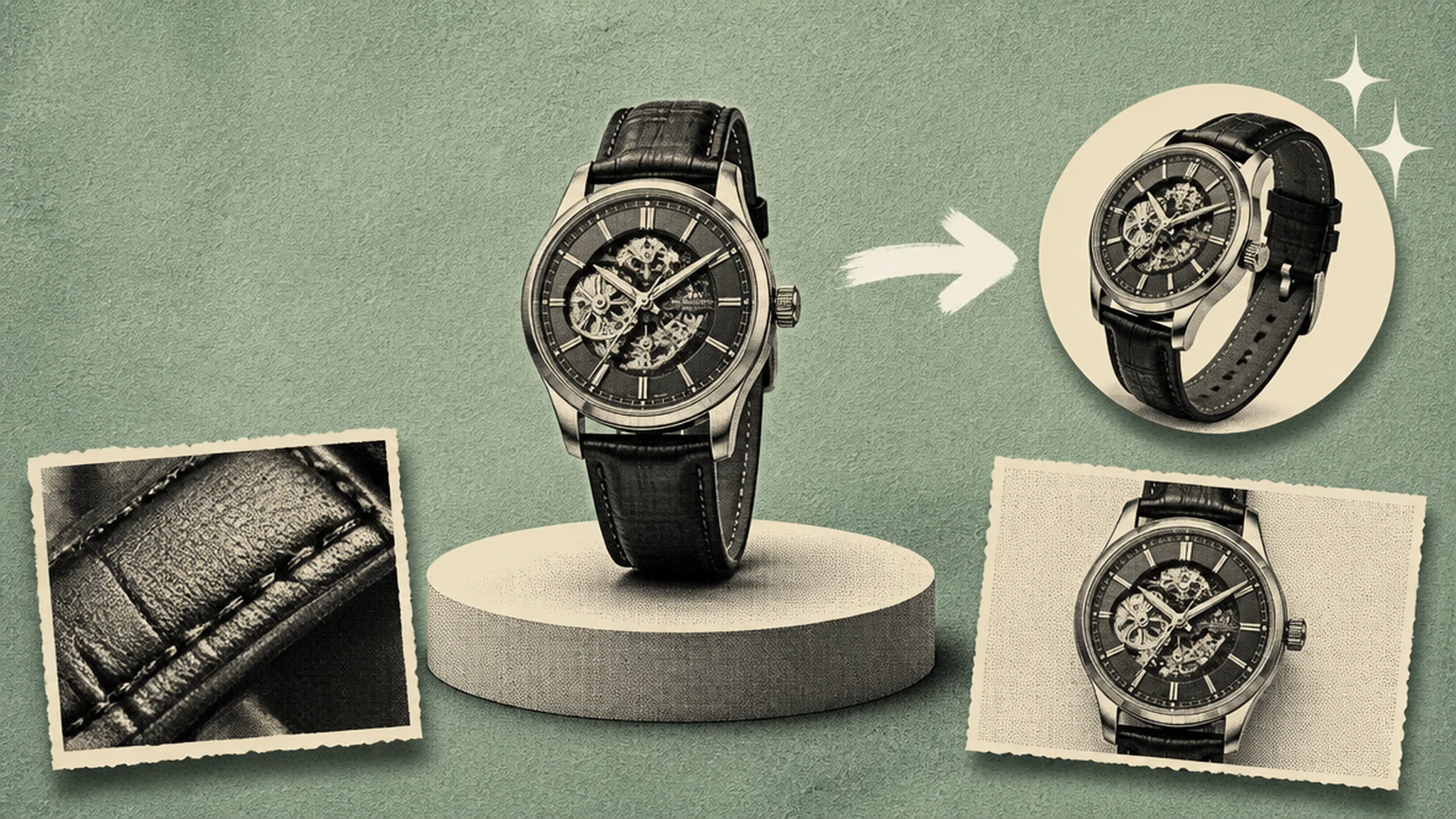
Product launch videos are created with the sole purpose to make your product look premium and visually compelling. These AI video prompts combine camera movements, studio lighting, macro close-ups, and polished compositions to showcase products with a high-end commercial aesthetic.
-
A minimal white skincare serum bottle on textured marble, a droplet rolling slowly down the side. Static macro close-up, 16:9. Soft three-point studio lighting with a gradient backlight. Premium commercial look, sharp throughout.
-
Concrete surface. Open charging case. Earbuds inside. The lid closes — slowly, cleanly. Overhead static, wide, 16:9. Cool studio light. High contrast. Minimal.
-
Slow 360-degree orbit around a skincare product on white acrylic, three-quarter angle, no hands. Backlit rim with soft fill, 16:9. The camera circles once, unhurried. White on white — clinical, premium, shadow-free.
-
Light catches the oil mid-pour — a thin amber stream falling into ceramic, slow and uninterrupted. Macro follows the pour with a slight pan, 16:9. Side window light. Golden, shallow focus. The warmth of a kitchen implied.
-
A luxury watch on black velvet; the second hand sweeps across the dial, a light glancing across the face. Static extreme close-up, 16:9. Single directional studio light from the upper right. Deep blacks, sharp metal reflection.
-
A kitchen counter, warm morning light. The strainer first. Then the leaves — placed carefully. Hot water follows, steam rising immediately. A slow push from across the counter, 16:9. Amber tones, film grain, artisanal.
-
The laptop is closed. Then it opens. The hinge catches the light — the screen illuminates to a clean interface. Slow zoom from across the desk, 16:9. Natural window daylight, slight lens flare as the screen comes on.
-
A running shoe is set on a wood surface; a hand tightens one lace slowly. Low-angle static front shot, 16:9. Clean white studio background. Bright and athletic, cool neutral tones, sharp throughout.
Cinematic and Storytelling Prompts
Cinematic AI video prompts must include details about atmosphere, emotion, and narrative. These prompts combine detailed character descriptions, camera composition, lighting, color grading, and pacing to produce scenes that feel like moments from a film.
-
A man in his 40s in a heavy wool coat sits alone at a diner counter, untouched coffee in front of him, staring at the window. Static medium shot from across the diner, 16:9. Harsh overhead fluorescent, night outside. Gritty and cold, warm tungsten cast against the dark exterior.
-
Dawn, and the street hasn’t woken yet. An old building, stone steps. A woman descends with a leather suitcase — no rush, no looking back. Wide track from across the street, 16:9. Grey-blue pale light. Melancholic, anamorphic, desaturated.
-
Two people walk toward each other on a long bridge over fog-covered water, neither at the center yet. Static wide shot from below the bridge, 16:9. Overcast grey daylight. Atmospheric and quiet, cool tones, grain.
-
Tall grass, golden hour, backlit. Then — movement. A child parts the grass and runs toward camera, arms out. Low-angle wide track, 16:9. Heavy late-afternoon lens flare. Warm and nostalgic, 8mm film look, edges burning out.
-
A letter. He reads it. A pause that goes longer than expected. Then — sits on the edge of the bed. Medium close-up from the doorway, static, 16:9. Late afternoon window light, long shadows. Underexposed. Quiet.
-
The spray reaches the light for a moment before the dark takes it back. Waves hit the sea wall again and again. Static wide with slight handheld shake, 16:9. Night, distant streetlamps the only source. Deep blue-black, desaturated, cinematic grain.
-
A woman in a red dress walks through a black-and-white street market; she is the only element in color. Static wide shot at eye level, 16:9. Overcast midday light. High-contrast black-and-white environment, subject in full saturated color.
B-Roll Generation Prompts
B-roll prompts work best at short durations (4–6 seconds), focused on a single subject or texture, with no main character or narrative context. The clip should function as a visual layer over dialogue, not stand alone as a scene.
-
Close-up of hands typing on a mechanical keyboard, fingers moving steadily, no face visible. Static macro shot, 16:9. Warm desk lamp from the left. Neutral and clean, soft focus on the keys.
-
An empty coffee cup on a wood table, morning light casting a long shadow across the surface. Static top-down shot, 16:9. Diffused natural morning light. Warm, cream and brown tones.
-
A city street through a rain-streaked window; people pass, slightly blurred. Static looking outward, 16:9. Grey overcast daylight. Moody and urban, cool desaturated tones.
-
Smoke rising slowly from a freshly extinguished candle against a dark background. Macro close-up, static. Single backlight catching the smoke. High contrast, smoke visible only from the backlight.
-
Overhead: open notebook, pen, and coffee cup on a desk. Nothing is being written. Static top-down shot, 16:9. Diffused natural light. Minimal and clean, neutral tones.
-
Leaves on a branch moving in a light breeze against a clear sky. Static close-up on the branch, 16:9. Bright afternoon sunlight. Natural and airy, cool greens against blue sky.
-
A door handle being turned; a door opens, no one enters. Close-up on the handle, static, 16:9. Interior ambient light. Neutral, clean, no strong color cast.
-
Water filling a clear glass from a tap, the glass reaching full and slightly overflowing. Static macro close-up, 16:9. Clean white kitchen light. Crisp and minimal, cool tones, sharp focus.
-
Reading glasses placed on top of an open book; no movement after placement. Static top-down close-up, 16:9. Warm reading lamp. Amber tones, soft depth of field.
Educational and Explainer Video Prompts
Educational videos are most effective when they simplify complex ideas with clear visuals and structured storytelling. Use these AI video prompts to create tutorials, explainers, training videos, product walkthroughs, and educational content.
-
An animated brain diagram with labeled sections lighting up one at a time in sequence. Static front-facing shot, 16:9. Even a digital white background. Clinical and clean, blue and white palette.
-
A hand draws a simple flowchart on a whiteboard with a black marker, steps appearing from left to right. Slow camera zoom-out, 16:9. Bright even studio light. Clean and instructional, black on white.
-
A 3D bar chart builds upward from left to right, each bar a different color. Static front-facing shot, 16:9. Clean white digital background. Flat clean design, minimal shadows, no photorealistic elements.
-
A person’s hands fold a piece of paper into thirds, step by step. Top-down close-up, static, 16:9. Even diffused natural light on a white surface. Minimal and instructional, sharp focus throughout.
-
A simple map with a location pin dropping and radiating circles from the point. Static wide digital shot, 16:9. Flat animation style. Clean and minimal, blue and white.
-
A laptop screen showing a graph updating in real time, the line climbing steadily. Close-up on the screen, slight push-in, 16:9. Screen glow as the only light source. Dark and focused, ambient dark office background.
-
A stack of documents on a desk; a hand picks up the top sheet and places it into a filing tray. Top-down wide close-up, static, 16:9. Even diffused office lights. Clean and neutral, grey and white tones.
UGC-Style Prompts
UGC videos work best on social media platforms, usually featuring a professional-looking presenter and clean audio.
-
Soft natural window light, midday. A woman in casual clothing — no ring light, no setup — holds a small skincare bottle toward the camera and reads the back label slowly, eyes moving line to line. Selfie-style handheld, 9:16. Authentic and unpolished, minimal color grade.
-
On the living room floor, a man cracks open a sneaker box, pulls the shoes out one by one, and holds them up toward the camera — still in his hands, still fresh out of the tissue paper. Medium close-up, handheld 9:16, slight natural movement. Natural living room light. Raw and immediate, no color grade.
-
Camera rests on the bathroom counter, looking slightly upward. A woman applies moisturizer in front of the mirror — rubbing it in slowly, checking coverage in her reflection. Static low-angle, 9:16. Warm bathroom light, slightly overexposed. Casual and relatable.
-
Evening, sofa, the kind of night you don’t cook. A woman holds a food delivery bag toward the camera, opens it, and lifts out a sealed container — reading the label before setting it down. Handheld 9:16, loose framing. Warm indoor light with a golden cast. Slight blur on movement, casual and unplanned-looking.
-
A woman mid-sentence, already pointing at her laptop screen — animated, like she just found something. The screen glows but stays unreadable. She speaks directly to the camera while gesturing at it. Medium shot, handheld 9:16. Natural side window light casting a soft directional shadow. Conversational and direct, neutral grade.
-
Parked car, warm afternoon light coming through the windshield. A man in the driver’s seat turns toward the camera and gives a slow, easy thumbs up — no preamble, just that. Selfie-style close-up, 9:16. Warm interior. No visible mic, no lighting rig, nothing that reads as production.
-
A warm kitchen, a pot is placed on the stove. A couple lean over a shared bowl — one dips a spoon in and tastes, reacts, then nudges the other to try. The second one takes a spoonful and their face says everything. Handheld over-the-shoulder, 9:16. Soft background music. Warm kitchen light, slightly overexposed, loose and natural.
Brand and Marketing Video Prompts
Brand and marketing videos are created to communicate professionalism and build credibility and trust, using a consistent visual identity. Use these video generation prompts for brand commercials, corporate videos, product campaigns, logo reveals, and marketing assets that leave a memorable impression.
-
A brand logo materializes on a frosted glass surface as condensation clears slowly. Static wide shot on the glass surface, 16:9. Cool diffused studio light. Premium and minimal, cool blue-grey tones, slow reveal.
-
A person in brand-colored clothing walks toward the camera through a modern office lobby. Slow tracking shot from ahead of the subject, 16:9. Natural daylight from floor-to-ceiling windows. Professional and aspirational, neutral palette.
-
A product sits centered on a white table as branded packaging elements are arranged around it. Top-down shot that tilts level at the end, 16:9. Even soft studio light. Clean and aspirational, white and brand accent color.
-
A hand signs a document with a quality pen on a polished desk; the pen is placed beside the paper after. Static macro close-up, 16:9. Warm directional desk light. Authoritative and premium, dark wood and cream paper tones.
-
A team of four in a meeting room; one person draws a graph on a whiteboard while the others watch. Static wide shot from the side, 16:9. Bright clean office light. Professional and modern, all subjects sharp.
-
A business card placed face-up on marble; minimalist white with embossed text. Overhead static close-up, 16:9. Single directional light from the upper right. Premium and clean, white and shadow, deep contrast.
Lifestyle and Aesthetic Prompts
Using thoughtful composition, natural lighting, everyday moments, and subtle movements can help you create aesthetic videos with calming ambiance and relatable storytelling.
-
A woman reads on a window seat in the late afternoon; rain runs down the glass behind her. She does not look up. Static medium shot from across the room, 16:9. Grey diffused window light. Quiet and interior, muted warm tones, grain.
-
A hand lights a candle with a long match on a wood side table; the match is extinguished and smoke drifts upward. Macro close-up on the flame, slight pull-back, 16:9. Warm flickering candlelight only. Dark and warm, high contrast, film grain.
-
A French press is pressed slowly on a kitchen island, steam rising from the pour. Close-up on the press, static, 16:9. Warm morning side window light. Rich and warm, amber and cream tones.
-
Freshly baked bread loaves on a cooling rack, steam still visible. Overhead wide close-up, static, 16:9. Natural diffused daylight. Warm and golden brown, no heavy color correction.
-
A woman in a linen robe waters plants on an apartment balcony at dawn. Wide shot from inside the apartment looking through open glass doors, 16:9. Soft morning light. Airy and calm, light greens and whites.
-
A cat sleeps on a windowsill as afternoon sunlight moves slowly across it. Static wide close-up, 16:9. Direct afternoon sun with slowly moving shadows. Warm and slow, golden tones.
-
A bookshelf revealed slowly from left to right by a horizontal pan; books, objects, and small plants visible throughout. Slow horizontal pan, medium distance, 16:9. Warm interior lamp light. Cozy and editorial, amber tones, shallow depth of field.
ASMR Video Prompts
ASMR prompts work best with a single subject, a single tactile action, and slow deliberate movement. No narrative. No camera movement unless it is a slow push-in.
-
A bar of handmade soap is cut into slow, deliberate slices on a wood surface; the edges crumble slightly at each cut. Overhead static close-up, 9:16. Diffused soft white light from above. Clean and minimal, pastel cream tones, sharp focus on each cut.
-
Thick honey pours slowly from a glass jar onto a wooden spoon, the stream unbroken and catching the light. Macro close-up on the pour, static, 9:16. Single warm backlight behind the honey. Warm amber tones, blurred background, deep focus on the stream.
-
A hand runs slowly across raw velvet fabric; the nap shifts direction with each pass. Macro overhead close-up, static, 9:16. Even soft studio light. Deep jewel tones — emerald or burgundy — sharp texture detail.
-
A thumb presses slowly into kinetic sand; the impression holds as the thumb lifts. Extreme macro close-up, overhead static, 9:16. Even soft overhead light. Warm sand tones, very high surface texture detail.
-
A book closes slowly; the pages compress together, a faint fan of air visible at the edges. Close-up on the cover and pages, slight slow zoom-out as it closes, 9:16. Warm reading lamp light. Paper tones, soft focus edges.
-
Bubble wrap pressed one bubble at a time, the hand moving methodically across the sheet. Overhead macro close-up, 9:16, static. Flat diffused white light. Clean and minimal, transparent bubble texture clearly visible.
-
Fresh strawberries sliced with a knife on a white marble board; each slice lands flat on the surface. Overhead static close-up, 9:16. Bright, even natural daylight. Vivid red against white, sharp focus, no heavy grading.
-
A soft pencil draws in light cross-hatch strokes across a sketchpad, slowly and deliberately. Macro overhead close-up, 9:16, static. Even desk lamp light. Warm cream paper tones, graphite grey marks, shallow depth of field.
Stop Motion and Claymation Ad Prompts
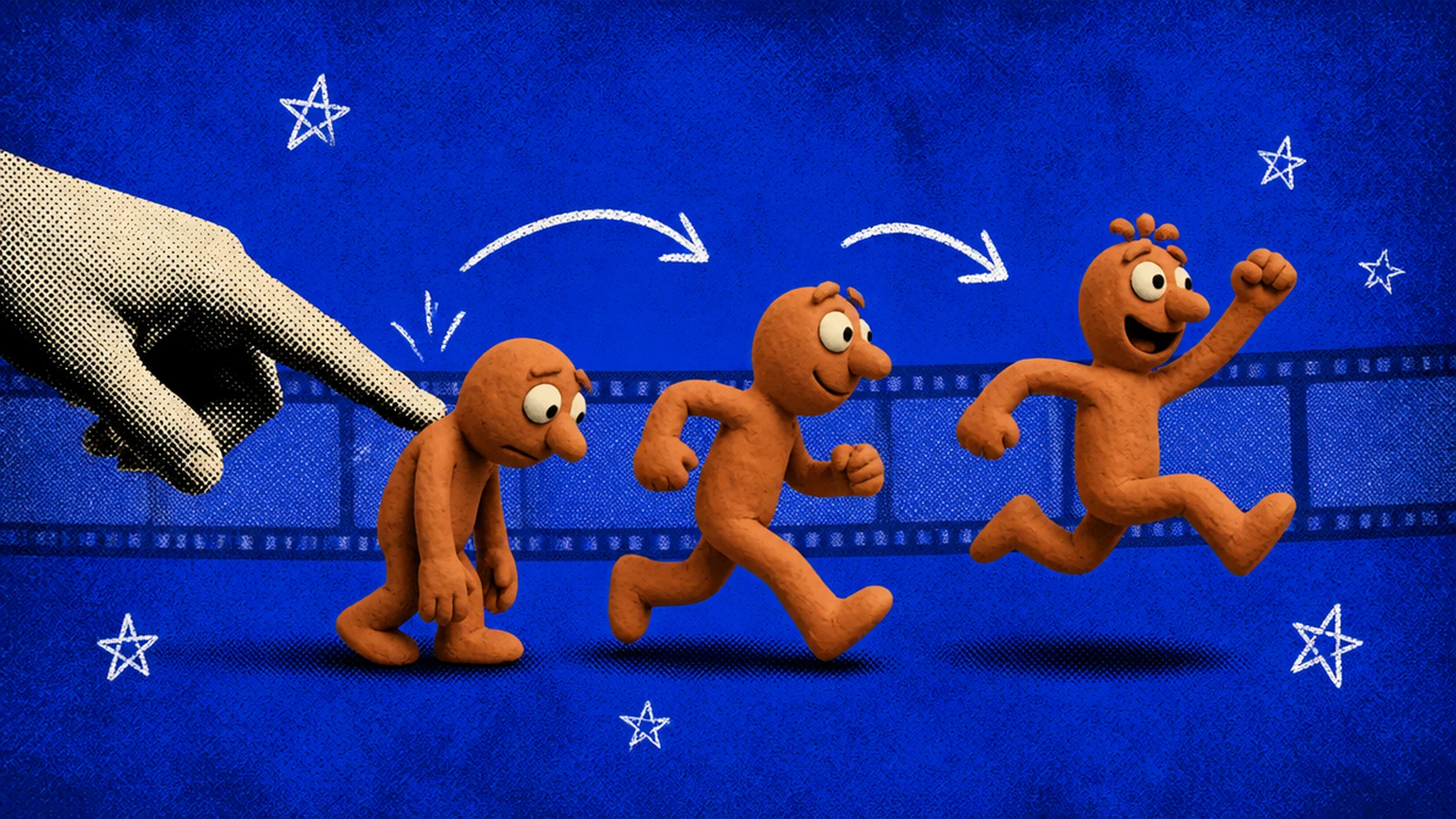
Specify the handmade aesthetic explicitly in every prompt. The model needs the instruction to produce a claymation or paper-craft look rather than a photorealistic one.
-
A clay character in a small clay kitchen prepares a cup of tea: the kettle boils, a curl of clay steam appears, and the cup is poured. Frame-by-frame stop motion, clearly handmade clay aesthetic, 16:9. Even warm studio lights. Warm and playful, muted earth tones, rough surface texture visible.
-
A miniature paper-craft cityscape assembles itself — buildings fold upward from flat paper one at a time until a skyline forms. Stop motion paper craft animation, overhead camera, 16:9. Soft diffused white light. Clean and graphic, white paper with light pen-drawn details.
-
A clay product box opens to reveal a small clay version of the product inside; the lid opens in deliberate frame-by-frame increments. Stop motion, 16:9, static overhead-to-front camera. Even bright studio lights. Bold and playful, bright saturated clay colors.
-
A clay character sits at a clay desk, reads a tiny clay book, places it down, and looks directly at the camera. Stop motion medium close-up, 16:9. Warm desk lamp light in the clay scene. Warm and intimate, earthy clay tones.
-
A brand logo forms from pieces of colored clay rolling and pressing into place from the frame edges. Stop motion assembly, static overhead shot, 16:9. Even bright studio lights. Clean and bold, clay colors matching brand palette.
-
A clay burger assembles itself: the bun appears, each ingredient drops in sequence, the top bun lands. Frame-by-frame stop motion, slightly low-angle front shot, 16:9. Bright even commercial food light. Vivid and fun, exaggerated clay food colors, clean background.
-
A miniature matchstick house builds piece by piece — walls, then roof, then door — in stop motion. Slight camera orbit from front to three-quarter angle during assembly, 16:9. Warm directional light emphasizing the wood texture. Warm tones, tactile and handcrafted.
AI Avatar Video Prompts
AI avatar prompts should specify the avatar’s appearance, delivery tone of the AI voiceover, setting, and the context of what they are communicating. Treat them like a casting brief combined with a scene direction.
-
A professional woman in her early 30s, dark shoulder-length hair, dark blazer, delivers product information in a calm and authoritative tone directly to the camera. Medium shot, 16:9, static. Clean corporate office background, slightly blurred. Professional and approachable, neutral color grade.
-
A man in his late 20s, short natural hair, white t-shirt, explains a process in a conversational tone with occasional gestures. Medium close-up, 9:16, static. Bright casual apartment background. Warm and friendly, lifestyle grade.
-
A wellness avatar — a woman in her 40s, calm and open expression, neutral athletic wear — introduces a breathing exercise slowly and directly to the camera. Medium shot, 9:16. Bright natural daylight studio look. Clean and calm, cool natural tones.
-
A fintech brand avatar — a man in his 30s in a business casual shirt — explains a financial concept with clear language and minimal gestures. Direct-to-camera delivery. Medium shot, 16:9. Clean minimal office backdrop in neutral tones. Professional and minimal.
-
A young woman with an upbeat tone and casual style presents a fashion brand’s collection, referencing specific pieces by gesture. 30-second format. Close-up to medium shot, 9:16. Bright clean studio background. Editorial and energetic, warm fashion tones.
-
An educational avatar — a man in his 50s wearing glasses and a collared shirt — presents three numbered key points, looking at the camera between each one. Medium static shot, 16:9. Clean background with slightly blurred bookshelves. Authoritative and clear, cool neutral tones.
Vague vs. Specific AI Video Prompt Examples
Effective prompt engineering is what distinguishes a generic AI video from the ones that matches your creative idea. Vague AI video prompts leave too much room for interpretation, which usually leads to visual artefacts. Specific prompts, on the other hand, clearly guide the AI video generator about subject, motion, setting, camera angles, and mood for the desired output.
Here are some examples that show how prompt engineering can improve the quality and accuracy of AI videos:
Social media hook
Vague prompt: “A person waking up in the morning”
Specific prompt: “A young man in his mid-20s reaches over to silence his phone alarm. Extreme close-up on the hand and screen, 9:16 vertical, overcast morning light, desaturated blue-grey tones, handheld micro-movement.”
What changed: Added framing (9:16), a camera instruction (extreme close-up), a specific action, and a visual mood. These are details to evaluate in the output; the wording alone does not establish the result.
Product shot
Vague prompt: “A perfume bottle in studio”
Specific prompt: “A tall amber glass perfume bottle on black marble, rotating slowly 360 degrees. Three-quarter overhead angle, studio lighting with a subtle gradient backlight, 16:9. Clean commercial look, sharp throughout.”
What changed: Added surface material, rotation instruction, camera angle, lighting setup, and style. Review whether the generated bottle, reflections, and motion match the brief.
Cinematic Video Prompt
Vague prompt: “A woman walking through a city at night”
Specific prompt: “A woman in a dark coat walks alone through a rain-soaked Tokyo street at 2am, wet neon reflections on the pavement. Slow tracking shot from street level, 10 meters behind, 16:9. Anamorphic lens distortion, deep blues and warm orange neon.”
What changed: Added time, specific location, weather condition, camera distance and position, and a cinematic look reference. Check the output for those details and revise the ones the model missed.
Tips for Platform-Specific Prompting
Each social media platform has a different set of specifications that should be followed while creating AI videos:
TikTok and Reels (9:16)
-
For TikTok ads and videos, specify “9:16 vertical frame” in the prompt or select from dropdown menu
-
Front-load movement: action should appear in the first two seconds
-
Target 5-8 seconds per clip for TikTok; 5–15 for Reels
-
Center the subject in the vertical frame to avoid cropping on different screen sizes
YouTube (16:9)
-
For YouTube Shorts, specify “9:16 vertical frame.”
-
For YouTube videos, specify “16:9 horizontal frame” or “widescreen composition” in the prompt or select from dropdown menu
-
Wider compositions and slower camera movements suit longer YouTube content
-
10-15 second clips work well for B-roll or intro sequences
-
Include environmental context in the setting as YouTube audiences expect more production depth
Instagram Feed (1:1)
-
Specify “1:1 square frame” in the prompt or select from dropdown menu
-
Center subjects: side-heavy compositions lose content on mobile
-
Clean, uncluttered backgrounds hold the square format better
-
Keep duration short: 5-10 seconds for feed posts
How to Use ChatCut for AI Video Prompts
Choose the workflow for the result you need. Use Agent to edit an existing timeline, or Video Gen to create a new clip. The AI panel guide explains both modes, and the first-edit guide covers project creation and media import.
Step 1: Open the Video Generator
For a new clip, select Video Gen below the composer and choose a model. Open Video settings and select a supported input operation, such as text, frames, or references. The available inputs and reference limits depend on the model; check the model capability matrix. An image-generation model can prepare a still reference for a later video-generation step.
Step 2: Enter Your Prompt
Describe the subject, action, setting, camera, and style. Add the images or clips required by the selected input operation. For an Agent edit, use the editing templates above and attach references to the relevant project content.
Step 3: Select Your Settings
Set an available aspect ratio, duration, and resolution for your chosen model and operation. Video generation requires Pro and uses credits. Check the estimate before sending; the video-generation guide covers the current workflow and supported models.
Step 4: Review and Iterate
Review the output against the brief. Check the subject, motion, continuity, framing, and any text or audio. Revise a specific problem, then review the next result. Finished generated clips appear in My Assets; drag a clip to the timeline to combine it with your recorded footage.
AI Video Prompt Mistakes to Avoid
AI video generation models often tend to produce sloppy content, if the video prompt isn’t structured well. Here are a few common prompt mistakes to avoid and how to fix them:
Output quality
Video prompt mistake: The style element is missing or too vague, such as “cinematic” alone is not enough instruction.
How to fix: Add a specific reference: film format, color grade, or a named aesthetic. “Cinematic 35mm grain, warm overexposure, 1970s color cast” produces a different result than “cinematic.” If the subject description is also vague, add clothing detail, lighting condition, environment, and setting elements.
Camera movement
Video prompt mistake: The camera element is missing or too general. “Close-up” is a shot type, not a movement instruction.
How to fix: Include both: “static close-up,” “slow push-in close-up,” or “handheld close-up with subtle movement.” If movement appeared but was not wanted, specify a stationary camera and review the next result. Prompt wording cannot guarantee that all motion will be suppressed.
Character or subject inconsistency
Video prompt mistake: The subject description is under-specified.
How to fix: Add physical detail: age range, clothing color and material, hair, and any distinguishing feature. For products, include material, finish, and scale relative to the frame. Inconsistency also increases in longer clips — keep duration under 8 seconds when subject consistency is critical, and use image-to-video with a reference frame for the most control.
Aspect ratio inaccuracy
Video prompt mistake: The aspect ratio was not included in the prompt or selected.
How to fix: Export settings resize after generation and can crop or distort the output. Specify “9:16 vertical frame” or “16:9 horizontal frame” directly in the prompt or select from setting options. If the model ignored the instruction, also confirm that the aspect ratio setting in ChatCut’s settings panel matches before generating.
Underspecifying motion
Video prompt mistake: Speed and action weren’t specified clearly.
How to fix: Speed is controlled by the action and camera elements together. For slower motion: add “slowly” or “deliberate” to both — “slowly pouring” combined with “slow push-in” produces slow motion across subject and camera. For faster motion: use “quick,” “energetic,” or “fast-cut sequence.” If speed is still off, adjust duration — shorter clip durations force the same action into less time, increasing perceived speed.
Try These AI Video Prompts on ChatCut
Start with one concrete task: tighten a recorded passage, correct captions, make a vertical version, or generate a supporting shot. Keep the source and a version you can return to, then inspect the draft and exported file before publishing.
Save the wording, references, selected model, settings, and corrections that worked for your project. Reuse that brief with the next recording, adjusting the source and desired result rather than assuming the same prompt will produce the same output.